
Explore the OOTDBuy Spreadsheet
It is something you walk along and pick from, one entry at a time, with every entry pointing at a seller who has never heard of the list.
Who built the shelf matters as much as what is on it. So does what happens after you take something off it.
Aisles
Find a category that fits
These are the categories most lists are built out of. The note under each one is the thing to settle before that category becomes an order, because every one of them has a way of going wrong that photographs will not warn you about.
16 categories
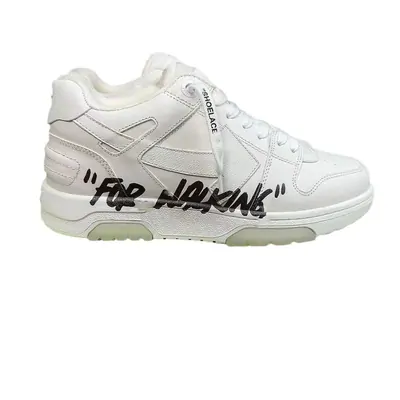 SneakersPhotographs never settle sizing. Get the insole length in centimetres first.
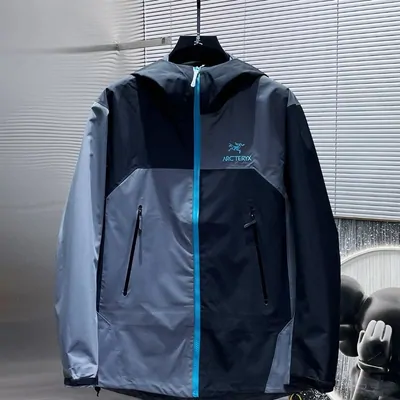 Jackets & CoatsShell, down or fleece moves the shipping weight far more than the size does.
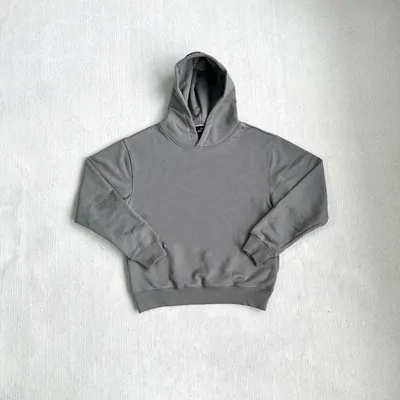 HoodiesThin cotton and heavy cotton photograph identically. The stated weight is the tell.
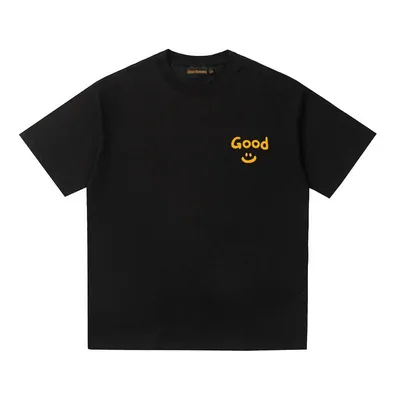 T-ShirtsThe easiest thing to add to a batch, and the easiest to forget you added.
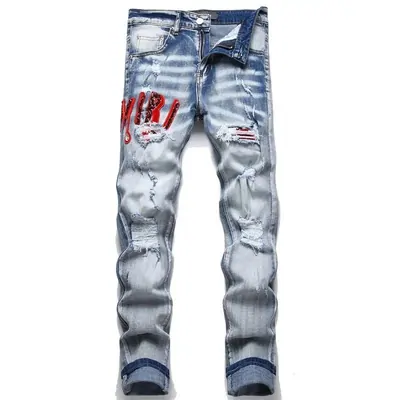 JeansSellers measure flat, so a waist and an inseam are two numbers, never one.
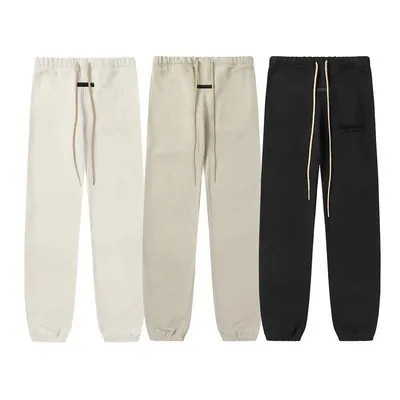 SweatpantsSold in packs as often as singly. Check whether the link means one pair or three.
 WomenswearMost lists carry no menu of its own for it, so it arrives as a search, not an aisle.
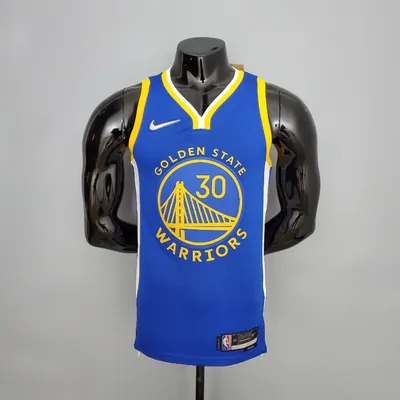 JerseysTeam, season and player sit in one line of the title. Read that line twice.
 BagsHardware and lining are where two listings of the same bag stop matching.
 HatsOne size fits most is a claim, not a measurement. Look for a circumference.
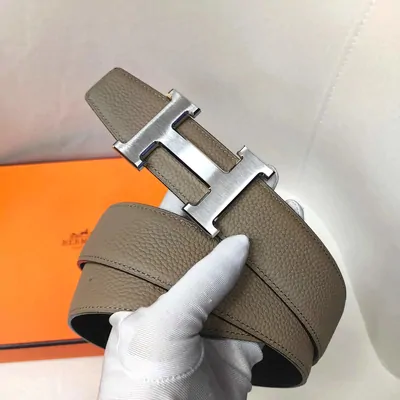 BeltsBelt sizes are quoted as total strap length, which is not your waist size.
 EyewearThe case takes up more room in the carton than the glasses inside it do.
 PerfumeLiquids are a limited category rather than a free one. The operator asks you to check first.
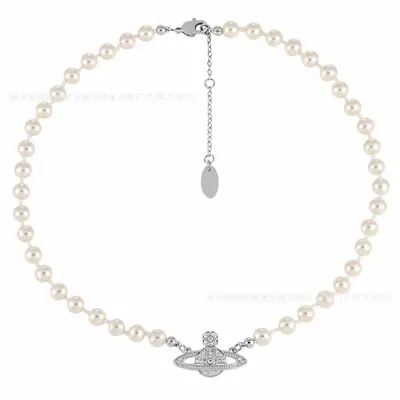 JewellerySmall, light, added late. Also the first thing to lose track of once a batch grows.
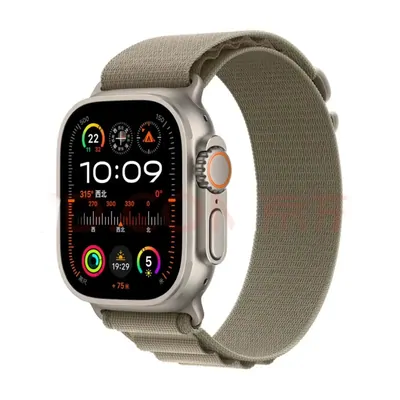 WatchesThe case size in the title is not the strap size. They are separate measurements.
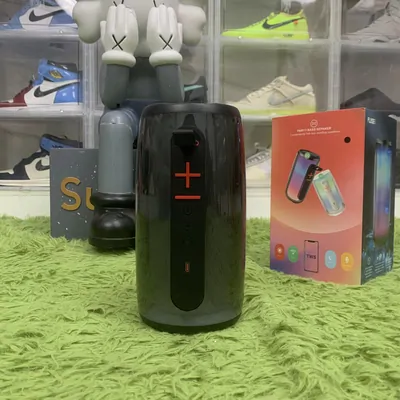 ElectronicsMagnetic components sit on the restricted list, so read it before this kind of link goes in.
No categories match
Try a shorter word or choose All to see every category.
The shelf
A shelf you walk along, and a box that walks it for you
Each entry on a spreadsheet of finds is one item on one Chinese marketplace, with a note attached by whoever added it. There is nothing to open and nothing to download. You browse it the way you browse any shop: by category, or by typing what you are after.
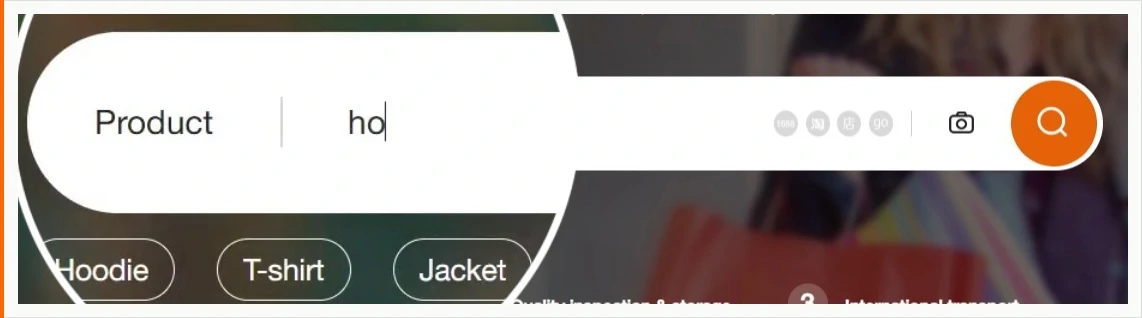
Typing is the faster half. The operator's own box answers before you have finished the word, and it reads Taobao, Weidian and 1688 behind the scenes, so one query covers three marketplaces that have no search in common.
What a shelf cannot tell you is why an entry is on it. That judgement stays with you, and it is the part that decides whether the order was worth placing. How to weigh up a find, a seller and an agent is a page of its own.
Operator reference · dated capture
Seven jobs, and who ends up holding each one
The confusion that costs people money is almost always about which of these belongs to whom. The list keeper chose. The operator bought and shipped. The seller made and packed. You carried the judgement the whole way.
| The job | Who does it | When it happens |
|---|---|---|
| Deciding what is worth buying | You, helped by whoever keeps the list | Before anything is paid for |
| Reading the seller listing properly | You, on the seller page itself | Before the link is submitted |
| Placing the order with the seller | An OOTDBuy buyer, on your behalf | After the first payment clears |
| Checking, weighing and photographing | The OOTDBuy warehouse | On arrival, before storage |
| Choosing what actually leaves China | You select it, the operator screens it | At parcel submission |
| Carrying the parcel abroad | A courier, resold to you by the operator | After the second payment |
| Answering for a parcel that arrives damaged | You first, with evidence, then the operator | Inside a fixed window after delivery |
This site holds none of these jobs. It is a guide. It never takes a payment, never handles a parcel, and cannot look anything up in your account. Who writes it and how it pays for itself.
A link is not the only way in
Two more doors sit on the operator's own front page, and both of them matter when a list lets you down. The custom order route is for an item you can describe but cannot point at: you fill in the details and a buyer goes looking. The forwarding route is for goods that are already on their way to the warehouse, bought by you somewhere else entirely.
The second one is worth knowing about before you need it. It is the difference between a purchase made on a Chinese site without an agent being a mistake and it being a parcel with somewhere to land.
Operator reference · dated capture

What people get wrong about the lists themselves
More of them, with the vocabulary you will meet on the operator's screens, are on the questions page.
Is a spreadsheet of finds an official OOTDBuy product?
No. The lists are made by shoppers and by communities. The operator supplies the buying, the warehouse and the shipping, not the choosing. That is why two lists can point at the same seller and disagree completely about whether the item is any good.
Why do the same items keep turning up on every list?
Because lists are copied more often than they are built. A link that has been forwarded a dozen times arrives with none of the reasoning that put it on the first list, and usually with none of the sizing notes either. Judging a find on its own merits is a separate skill from collecting one.
What makes a useful spreadsheet, and how do I spot one?
Four things, none of which is how it looks. Whether the links still resolve today, which you can test in a minute by opening three at random. Whether it says when it was last checked, rather than implying it is current. Whether it says who keeps it and how it is paid for. And whether the notes beside each find say anything specific, such as a measurement or a sizing warning, instead of adjectives. A list that claims stock, a delivery time or a price is claiming to know things only the operator can know, and that is the clearest signal of all. Apply the same four to this site.
What do I do when a link on a list is dead?
Seller listings come down, and popular ones come down fastest. Search the item by name instead of by address, or describe it through the custom order route above. A dead link is not a dead item.